İTS Notification Processes and Software Integration: From the Line to the Regulator Without Gaps
İTS production and sale notifications, PTS package transfer and error handling: how we design Turkish pharma track-and-trace integration in software.
4 September 2026 · 7 min read

Every company that manufactures or imports medicines for human use in Turkey has to tell the story of every single pack to İTS (İlaç Takip Sistemi), the national pharmaceutical track and trace system. The 2D code on the pack gives the product a unique identity, and every movement of that identity is tracked through notifications made at each step, from the manufacturer to the warehouse and on to the pharmacy. The chain looks simple on paper, but on the ground it depends on many systems working correctly at the same time.
In this article we explain the logic of İTS notifications in plain language, show how we design the process in software, and share the problems we see most often.
What is İTS and why does it matter so much?
İTS is a central registration and tracking system operated under the Turkish Ministry of Health. It makes each medicinal product uniquely identifiable through its 2D code and follows supply chain movements such as production, import, export, purchase, sale, transfer, consumption and wastage through notifications from each stakeholder, in near real time. Recalls and blocks are also handled through the system.
For a manufacturer, the consequence is clear: a product without a notification, or with a wrong one, cannot move forward in the supply chain. The warehouse cannot record goods receipt, and the pharmacy gets an error at the point of sale. Eventually the problem comes back to the manufacturer as a shipping delay or a return.
The main notification types
İTS offers many notifications and services. These are the flows a manufacturer's software deals with most:
Production / import notification
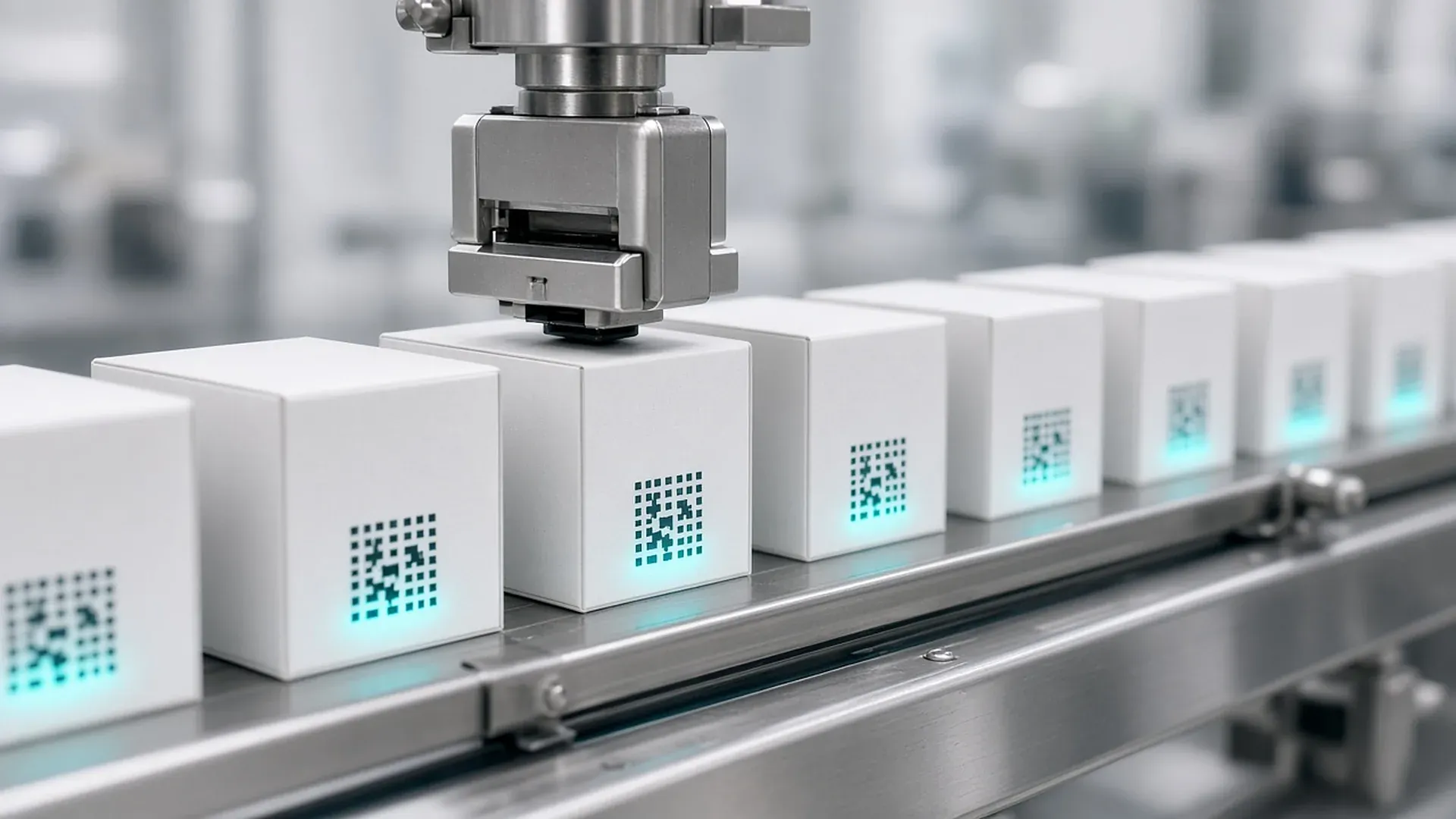
This is the notification the license or permit holder uses to register products it has manufactured or imported. It is mandatory for any product that will enter the supply chain. In practice, it is fed by the list of serial numbers produced and verified on the packaging line.
Sale and purchase notifications
When a product moves from one stakeholder to another, sale and purchase notifications are made. A sale notification also acts as a verification step, and the system checks the expiry date at the same time, so an expired product cannot be sold.
How cancellations and corrections work
In İTS, a record is never "edited". To correct a notification, you remove the affected products from it and add them again with the right data. This detail looks minor, but it shapes the software design directly: the history of every notification, including its cancellation steps, has to be kept in a traceable way.
PTS: how cases and pallets travel between stakeholders
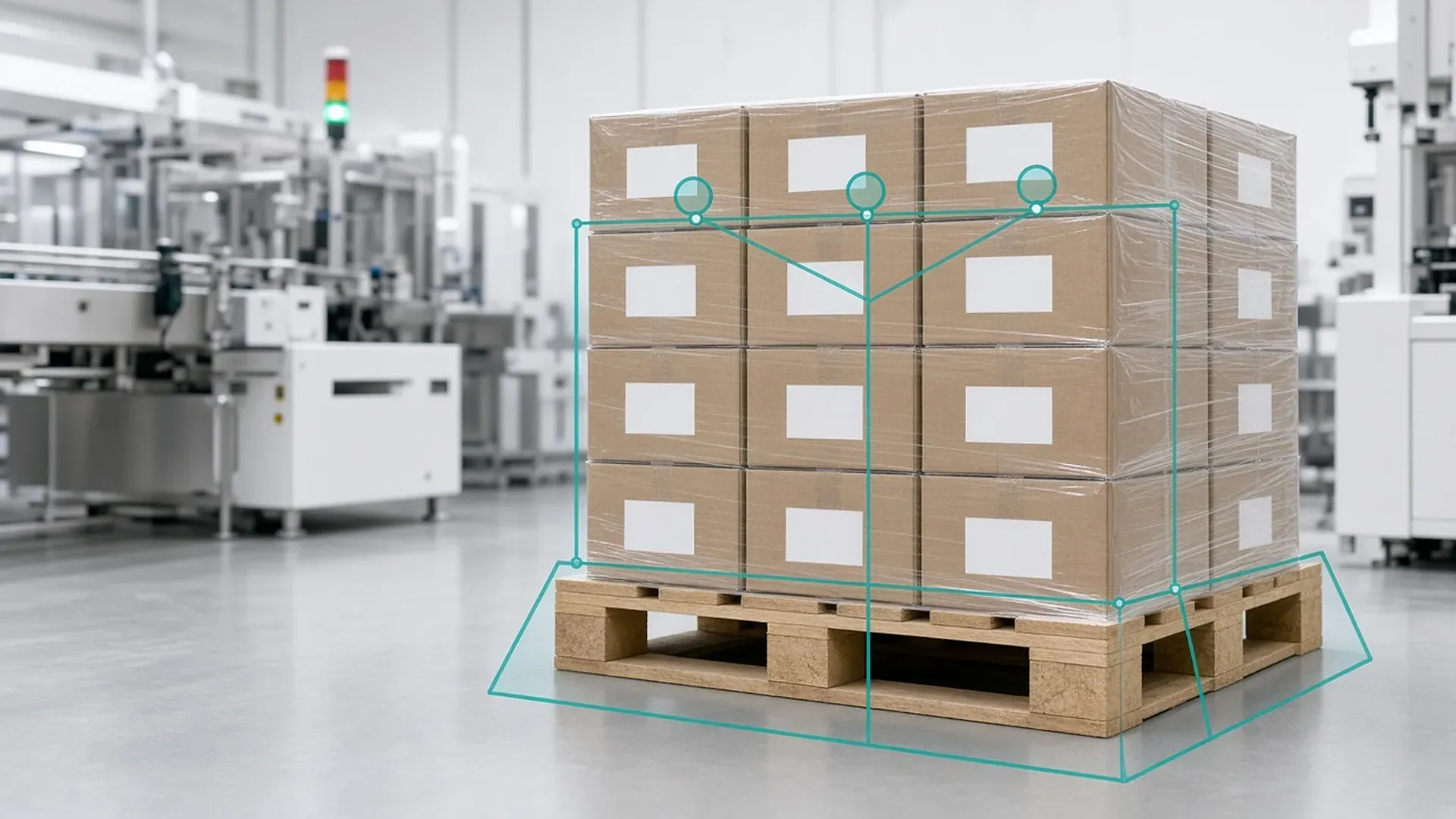
PTS (Paket Transfer Sistemi, the package transfer system) is a component of İTS used to send the contents of cases and pallets between stakeholders as a file. The file is a ZIP archive containing a standard XML document that describes which pack belongs to which case and which case belongs to which pallet. The receiver can use this hierarchy instead of scanning every pack individually.
One warning in the PTS documentation deserves emphasis: sending a file through PTS does not mean the İTS notification for the products inside has been made. The sale notification must still be sent separately. Running these two steps independently but consistently is one of the most critical points of the integration. We explain how the case and pallet hierarchy is built in our aggregation article.
How we design the notification flow in software
İTS offers a web interface for single products and web services for bulk submissions. For any company with real production volume, notifications have to be made automatically, through software. In our İTS and serialization projects we usually build the flow in these layers:
1. Data collection
Serial numbers, batch numbers and expiry dates from the line's verification stations and line software are collected in one place. We describe the structure of the 2D code data in our serialization article.
2. Business rules and pre-checks
Before anything is sent, the data is checked on our side. Did the same serial number arrive twice? Do the batch and expiry date match the work order? Have rejected products been removed from the list? Most errors are caught here, before they ever reach İTS.
3. Queuing and retries
Notifications are sent through a queue. If the network drops or the service does not respond, nothing is lost: the record is retried at controlled intervals. Every operation is tracked with a unique key so the same notification is never sent twice.
4. Response handling and a monitoring screen
Every response from İTS is stored per product. Products that fail appear on a screen for the operations team together with the reason, and the team can fix the issue and resubmit with a single click. In one of our case studies, this setup turned reporting into a flow that no longer needs manual follow-up.
5. Logging and auditability
Who sent which notification, when, and with what result? In a regulated industry, that question must be answerable at any moment. Detailed logging and records you can query after the fact are therefore a core part of the work, not an extra.
The problems we see most often
- A gap between the line and enterprise systems: the line software knows which serial numbers were produced, but matching them to the ERP work order is done by hand.
- Invisible errors: rejected notifications sit in a log file and nobody notices until shipping day.
- PTS and notification mismatches: case contents were sent but the sale notification is missing, or the other way round.
- Fear of change: integration software that has grown over the years with little documentation feels too risky to touch. In those cases we first analyze the existing flow and add tests and logging, then improve it step by step.
How an İTS integration project runs
Every manufacturer's line, software and business rules are different, but our projects usually follow similar steps:
- Mapping the current flow: together we trace which systems, people and manual steps are involved from the moment a serial number leaves the line until the notification is confirmed.
- Defining the missing link: the problem often sits in one place. Maybe only error handling is missing, or only the ERP matching is done by hand. We keep the scope narrow and clear accordingly.
- Validating in a test environment: before any real notification, we run rejections, missing fields, resubmissions and network outages with test data.
- Phased rollout: the new flow first runs for a limited product group or line, results are compared with the existing method, and then the scope grows.
- Training and handover: the operations team learns the monitoring screen and the IT team learns the logs and configuration, so the process never depends on a single person.
A short note on technology choice
There is no single "right" programming language for İTS integration. What matters is that the service integration is reliable, errors are visible, records are auditable and the software is easy to maintain. We choose the most suitable modern technology for your infrastructure and team, and where needed we work as an integration layer on top of your existing systems. You can also read about our general API and integration approach.
Frequently Asked Questions
Can İTS notifications be made manually?
The İTS web interface can be used for single products. Companies with production volume need to make notifications in bulk through the web services, using software. Otherwise the risk of errors and delays grows quickly.
If I send a case through PTS, is the sale notification made too?
No. PTS carries case and pallet contents between stakeholders. The sale notification for the products inside must be made separately.
How is a wrong İTS notification corrected?
Records in İTS are not edited. The wrong products are removed from the notification and added again with the correct data, and the software has to manage these steps in a traceable way.
Can you integrate without replacing our existing serialization setup?
In most cases, yes. We build an integration layer that closes the missing link between your existing line software, your ERP and İTS.
Facing a similar challenge? Tell us about your project and we'll get back to you within one business day.
All product and company names are trademarks of their respective owners; softhan is not an authorized representative or partner of these companies.