Mettler Toledo Scale Integration: Binding the Weight to the Record in Production and the Warehouse
How we read Mettler Toledo scales into the work order: stable weight, tolerance checks, traceable records and the handoff to WMS or ERP.
2 October 2026 · 7 min read
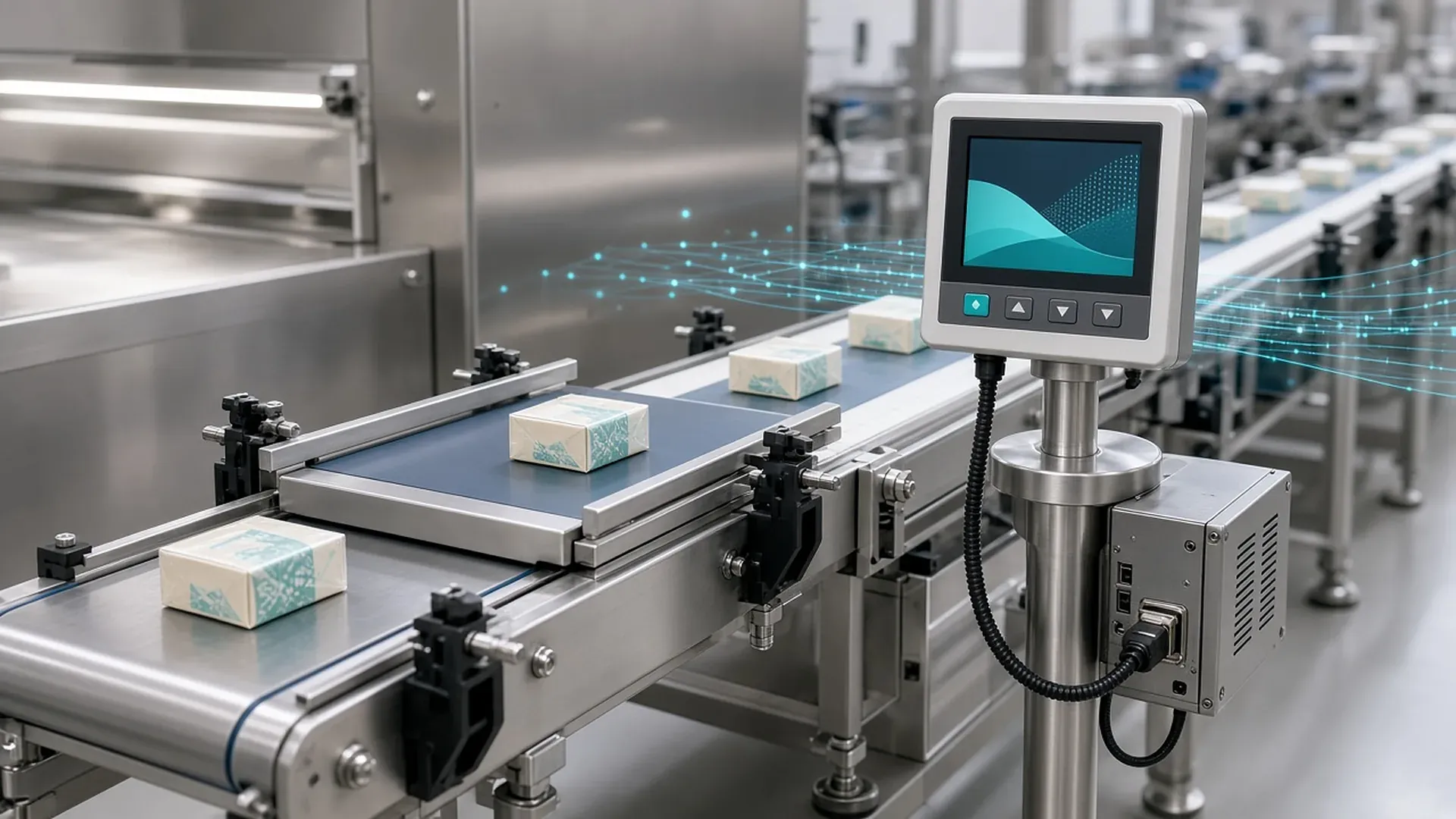
On the production floor and in the warehouse, a scale is more than a number on a display. That number says a recipe was met, a raw material arrived or a case is fit to ship. Having someone read it and type it into another screen makes the result fragile. A wrong digit, a wrong unit or a skipped weighing becomes a difference with no trail in the record.
In this article we explain how we bind data from Mettler Toledo weighing devices to a work order, a batch or a warehouse movement, why we separate a stable reading from a tolerance check, and the gaps we see most often on the floor.
Why weighing is a software problem
Weighing is a shared step in several jobs.
- In production, a work order or batch asks for a material to be weighed inside a defined range. The result is part of the batch record.
- At goods receipt, the quantity received is compared with the quantity on the document. For materials tracked by weight, that comparison happens on the scale.
- At shipping, underfills and overfills should be caught before loading.
The shared need is simple: the measurement has to become a record that knows which job it belongs to. In our industrial device and line integration work we treat the scale as a link in the production and warehouse flow, not as a device on its own.
Static scales and checkweighers
On a static scale the item is placed on the platform and recorded once the reading is stable. What matters is the weight the device accepts as stable, not the value while the platform is still moving.
A checkweigher weighs the product in motion and rejects anything outside tolerance. The decision is fast. The software should store the tolerance decision, the time and the work order along with the weight.
What the device says, and what the software adds
Mettler Toledo uses a standard command set called MT-SICS on many scales and weigh modules. According to the manufacturer, level 0 and level 1 commands do the same jobs across device families: request a weight, tare, zero and identify the device. The manufacturer states that most system integrations can be handled with these two levels.
The physical connection still depends on the model. A serial link, a network link or the device's own terminal may be what the site actually has. The manufacturer's note on data integration describes standalone scales and machine-integrated scales speaking in different ways. The device already installed may not match that profile. We start from that model's manual and a test on site.
The software has to add context to the raw measurement:
- Stability. A value stored before the stable indication can record a moment when the platform was still moving.
- Net, gross and tare. A value stored before the container is tared can look as if the recipe was met.
- Unit and resolution. Mixing grams and kilograms makes the same digits a thousand times larger. The decimal places have to match the scale's division.
- Identity. Which scale, which work order or receipt line, which batch, which user and what time. Without these fields a weight is of little use in an audit.
- Duplicates. Confirming the same measurement twice must not create two stock movements. Every record is tracked with an operation key.
Legal metrology, verification marks and the calibration calendar stay with the device and the company. The software records the measurement and applies the business rules you define. If you already track calibration dates, we can make it visible when an expired scale is about to write into a work order.
Tolerance comes from the recipe
Tolerance should not be a fixed percentage buried in the integration. The expected weight and the acceptance range should come from the work order, the recipe or the material master. A reading outside the range can do one of three things: block the record, continue as a justified exception, or warn and continue. Which of these applies is the process owner's rule. The software applies the rule and keeps the reason.
The scale is not the only cause of an out-of-range reading. A wrong container, a missing component or a wrong unit raises the same alarm. That is why the record keeps the expected value, the measured value and the difference together.
A typical flow
Details vary by site. The flow we build for production and warehouse weighing usually runs like this:
- Open the job. The work order, batch or goods-receipt line arrives from the enterprise system, together with the expected material, quantity and tolerance.
- Read the identity. The operator scans the container, the label or the order line, or picks it from a list. The measurement is bound to that job.
- Take a stable reading. The software requests a stable net weight, or listens for the stable record the device sends. An unstable value is not processed.
- Apply the rule. Inside the range, the record is completed. Outside it, the screen shows the difference and the defined rule runs.
- Hand off to the enterprise system. The accepted result becomes the stock or batch movement WMS or ERP expects. We describe the warehouse and shipping side of that handoff in our WMS/ERP article.
- Exception screen. Weighings that fail to send, or that break a rule, stay on a screen with the reason. When the network returns, the same record can be retried.
Gaps we often see on the floor
- The display and the record disagree, usually because of the unit, the tare or an unstable reading.
- The same product sits on two scales with different divisions, because the master-data unit was never matched to the device.
- Typing a weight "just this once" becomes the method. We keep manual entry for a device failure, with a reason and a separate trail.
- The scale and the work order never meet. The link has to be made at the moment of measurement, not after a screen change.
- Weighing continues during an outage. The measurement is buffered locally and sent in order when the link returns.
An example from a manufacturing site
At one manufacturing site, weighing results were read and then entered separately. That carried a risk of data-entry errors and gaps in traceability. In our Mettler Toledo weighing integration we built software that reads the weight directly, applies a tolerance check and links each result to the relevant work order or batch record. Weighing data is recorded without manual entry, and every weighing can be traced back.
Maintenance, and choosing the technology
A scale integration is not a cable that can be connected once and forgotten. Devices, recipes and master data change. We provide maintenance and support for existing connections, keep current behavior on record and move changes through in small steps.
There is no single right programming language for this work. The measurement has to survive, the rule has to stay visible and the record has to be auditable. We choose the technology to fit the site and the team that will keep it running.
Frequently Asked Questions
Can the integration be done without replacing our scales?
In most cases, yes, if the device can provide weight data through its own interface. We confirm that interface from the model's manual and a test on site.
Is a stable weight the same as the number on the display?
The display can show a value while the platform is still moving. What should be stored is the net weight the device accepts as stable.
Does the software replace the scale's legal compliance?
No. Verification marks, calibration and metrology obligations stay with the company and the device. The software applies your business rule to the measurement and keeps it traceable.
Can a weighing result go to ERP or WMS?
Yes. An accepted measurement can be passed to the enterprise system as the movement for the related work order, batch or goods-receipt line.
Facing a similar challenge? Tell us about your project and we'll get back to you within one business day.
All product and company names are trademarks of their respective owners; softhan is not an authorized representative or partner of these companies.